Remote
Every button, plus a keyboard
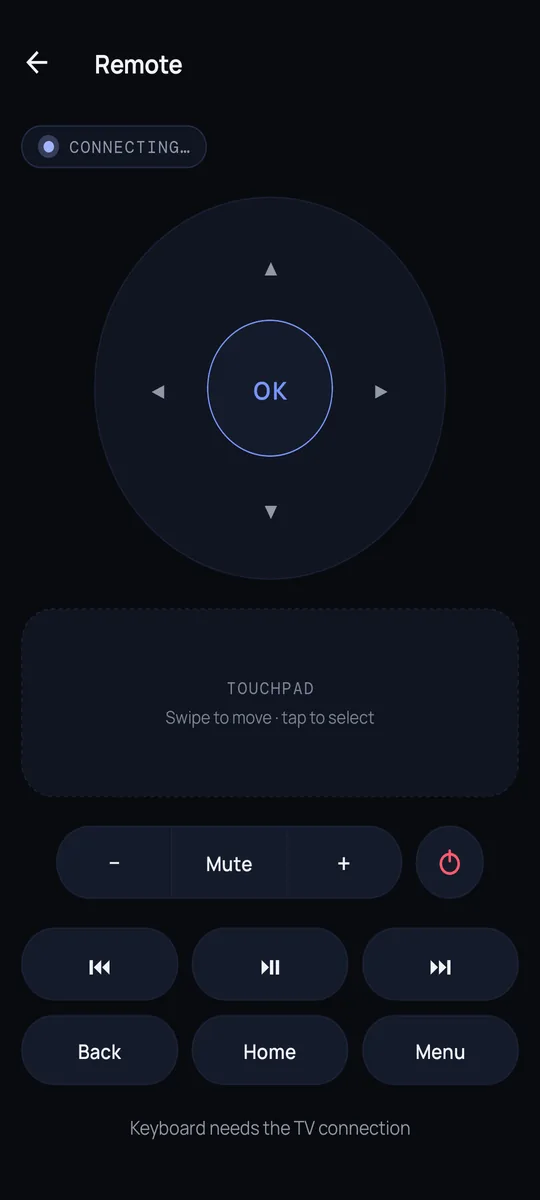
D-pad and OK, a swipe touchpad, volume and mute, play/pause, Back, Home and Menu. Type into any search box on the TV straight from your phone keyboard, or paste.
- Swipe touchpad
- Phone keyboard and paste
- Media keys
 Tuck
For Google TV and Android TV
D-pad, keyboard, apps, a live picture of the TV you can tap, and power on/off. Over your home Wi-Fi, with no account and no cloud.
Get the app
Use your Google account on this page. It is free and takes one tap.
On a computer, scan the QR code with your phone camera. On the phone, tap the button.
Allow installs from your browser if asked, then open the app.
Pair on the same Wi-Fi. The phone installs the TV app for you. No Wireless debugging? Type the 8-character code from this page into the TV’s Downloader app.
How it works
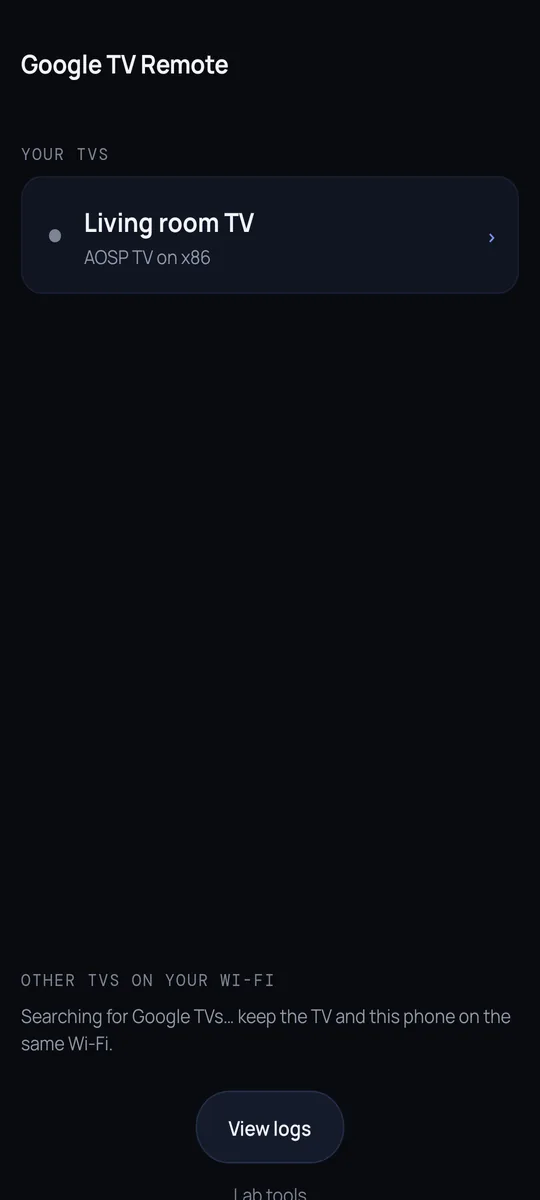
Your TV shows up on its own. Everything stays on your home Wi-Fi.
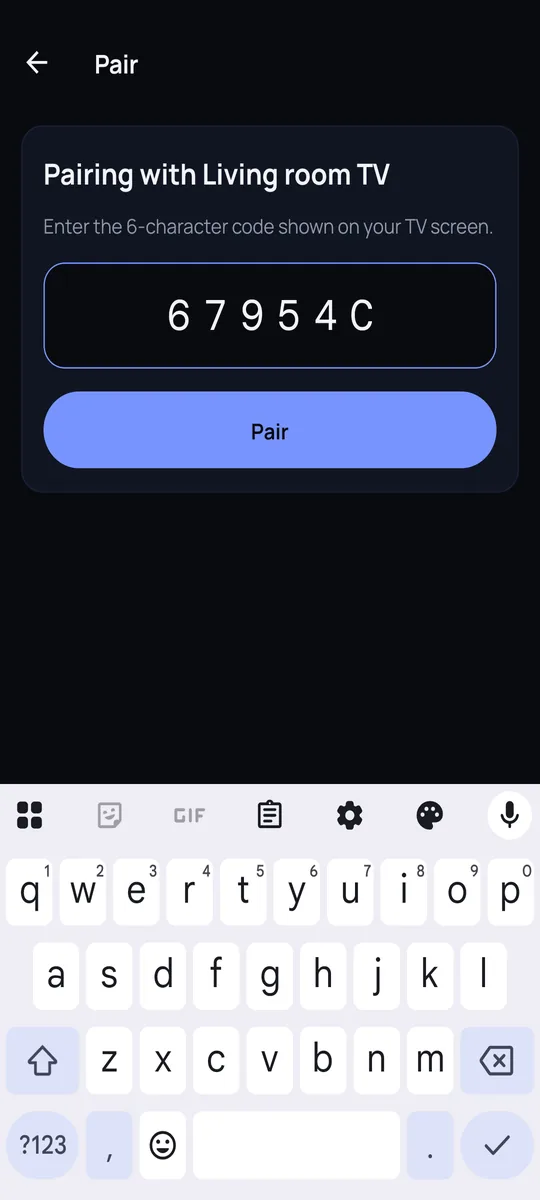
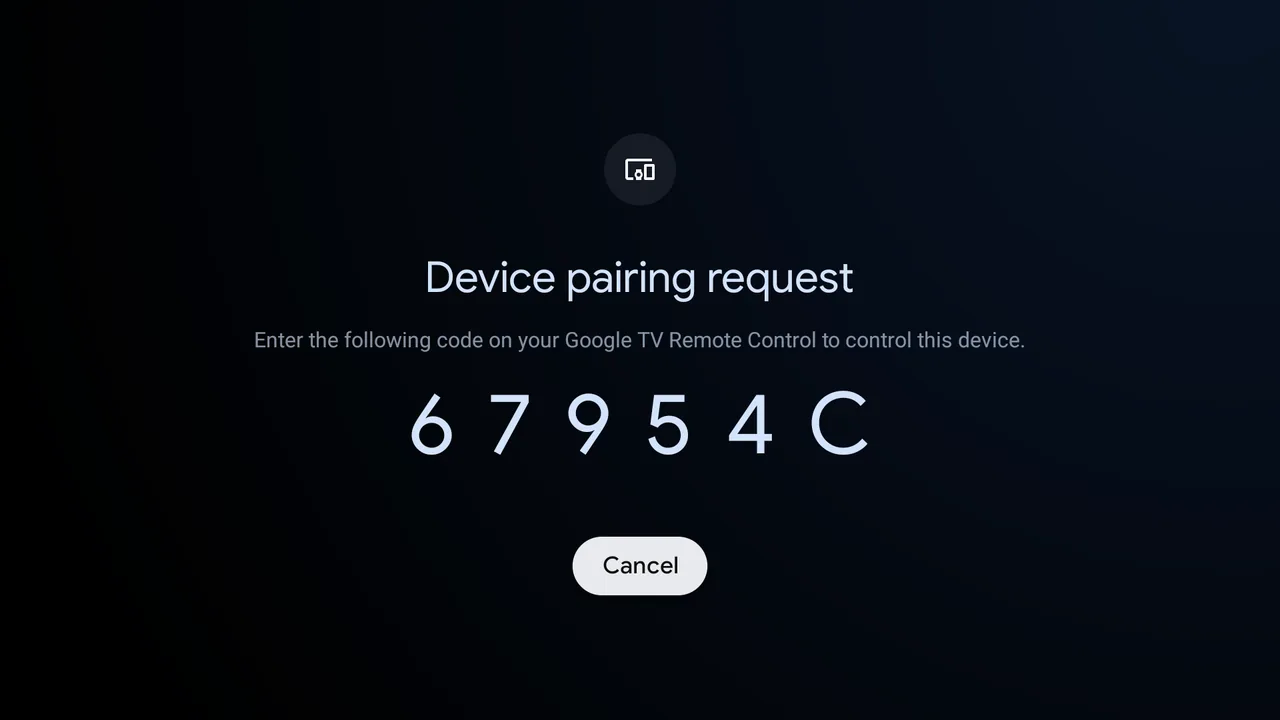
The TV shows a 6-character code once. Type it on the phone and you are paired.
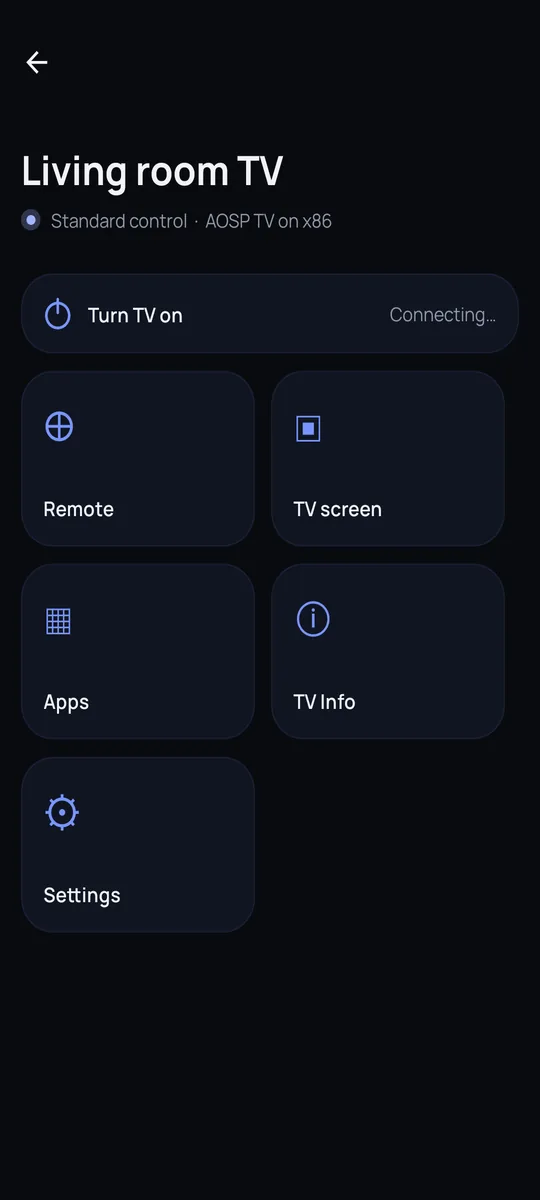
Remote, apps, the TV screen and power, all from one home screen.
Remote
D-pad and OK, a swipe touchpad, volume and mute, play/pause, Back, Home and Menu. Type into any search box on the TV straight from your phone keyboard, or paste.
TV screen
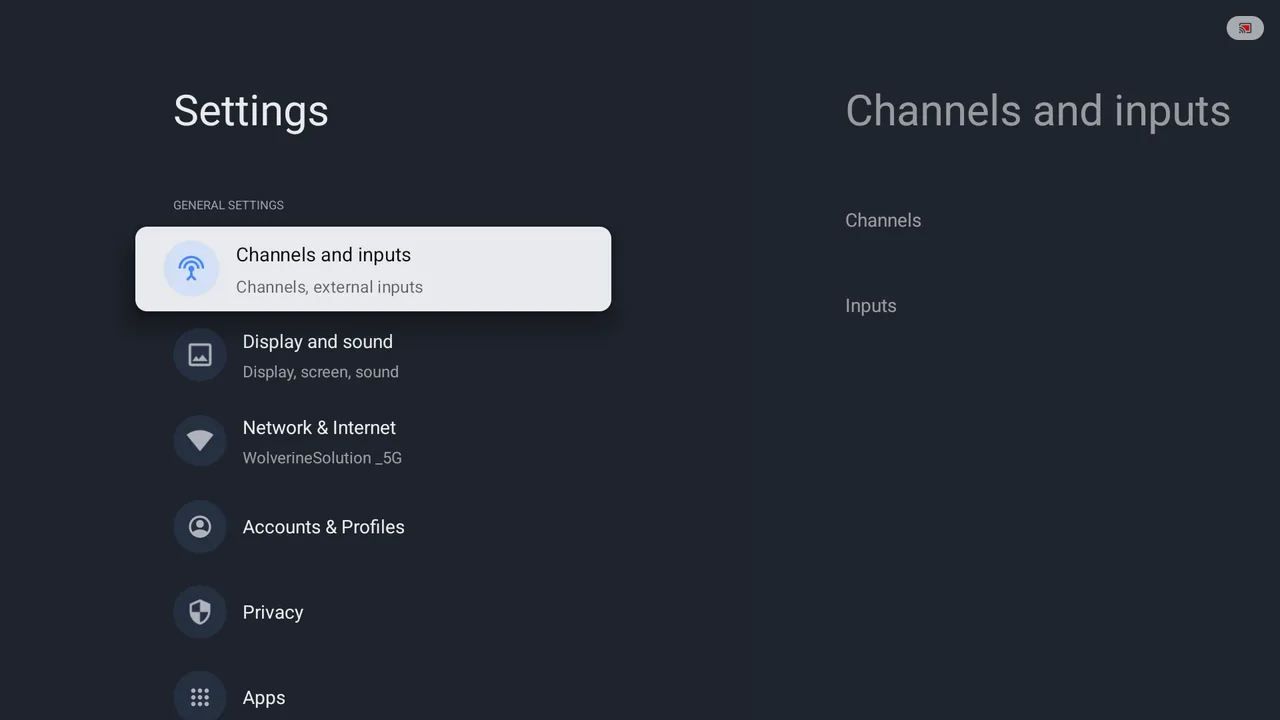
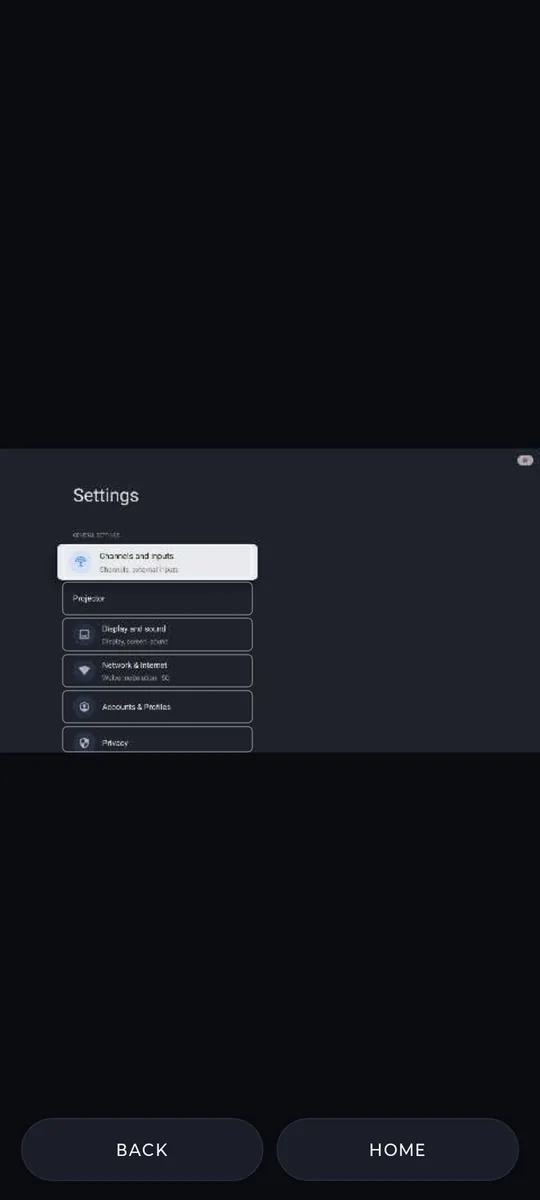
See a live picture of the TV on your phone. On menus, Settings and the Play Store, tap a tile to open it, long-press to hold, swipe to scroll a list. Video apps fall back to the D-pad.
Apps
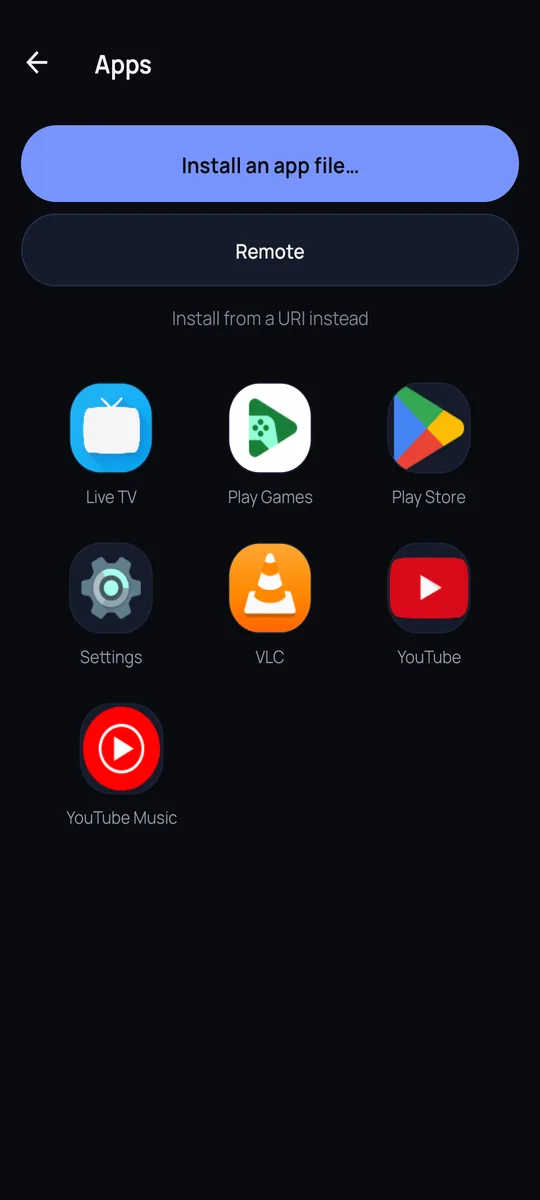
Every app on the TV in one grid with its real icon. Tap to open it on the TV. Pick an APK on your phone and the TV installs or updates it, with no extra click on the TV.
Setup help
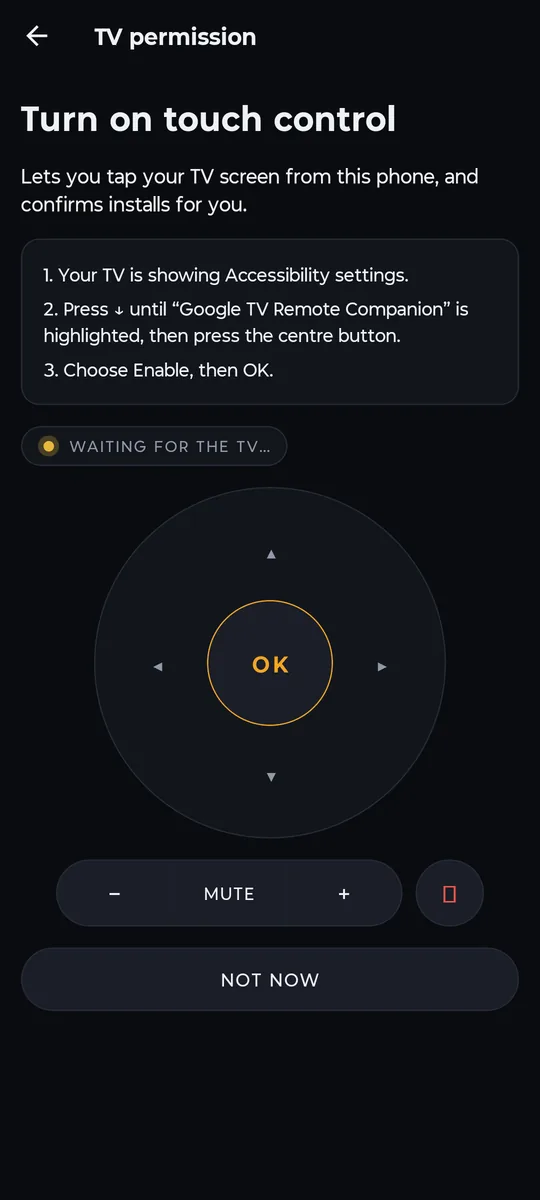
When the TV needs a permission, the phone tells you exactly what to press and the TV opens that settings page for you. It asks once per TV.
TV info
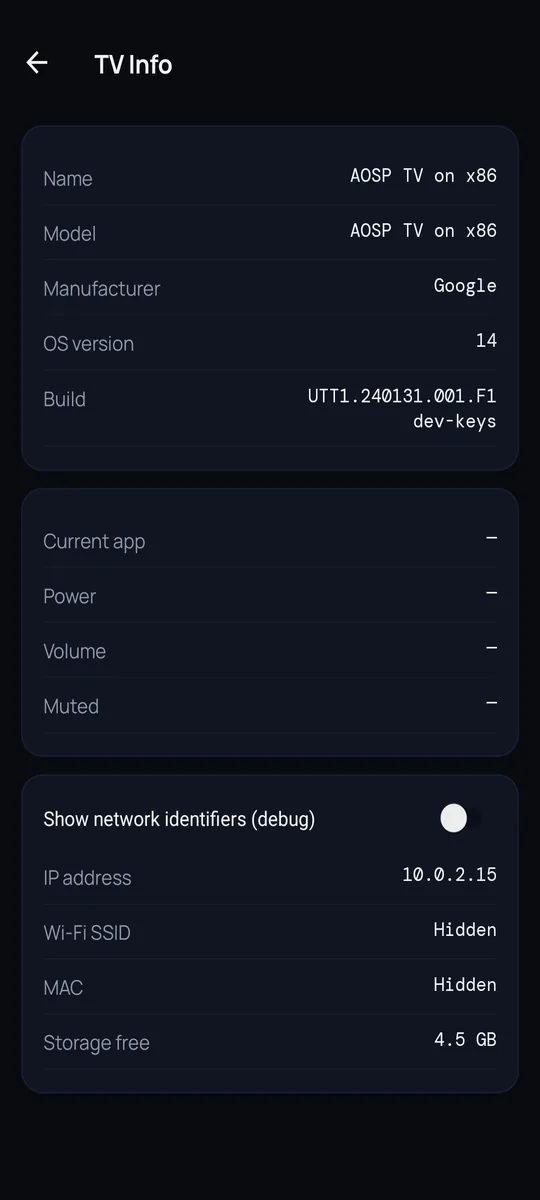
Name, model, Android version, what is playing, volume and free storage, live from the TV. Network details stay hidden unless you ask for them.
Private by design
The phone talks to the TV directly over Wi-Fi. No relay server, no tracking.
Pairing uses the TV's own secure handshake. Keys stay in your phone's keystore.
One code on the TV, once. Other phones still need your OK on the TV.
FAQ
Google TV and Android TV sets and boxes that support the official Android TV remote pairing. It has been tested on a Haier MatrixTV running Android TV 14.
No. The phone talks to the TV directly over your home Wi-Fi. Nothing goes through a cloud server.
Not for the remote. For the live TV picture, touch control, app install and TV info the phone app installs a small companion on the TV for you, once. A free Downloader app is the fallback.
Yes, on TVs that keep their network on in standby. The app tries several wake methods in turn and shows a one-time guide with a wake test.
Android first. iPhone is planned.
Two small apps: the remote on your phone, and a companion on the TV for the live picture, touch control and app installs. Google Play listing coming.
Downloads need a free account so we can tell you about updates. Sign in once; the links and a QR code for your phone appear here.
1 · Phone
On your Android phone, tap the button. On a computer, scan the code with the phone’s camera and the download starts there. Allow installs from your browser if asked.
Download phone app2 · TV
Your phone installs this for you. After you pair, tap “Install the TV app” in the phone app and follow the steps; you type one code, nothing else.
No Wireless debugging on your TV? Install the free Downloader app from the TV’s Play Store, open it and enter this address (works for about an hour):